herdr-android
An Android client for herdr, the tool I run my coding agents in. It shows which agent needs me, opens its terminal live and tells me when one has finished. The SSH key lives in the phone's secure hardware, and no Google service is involved.
What I Built
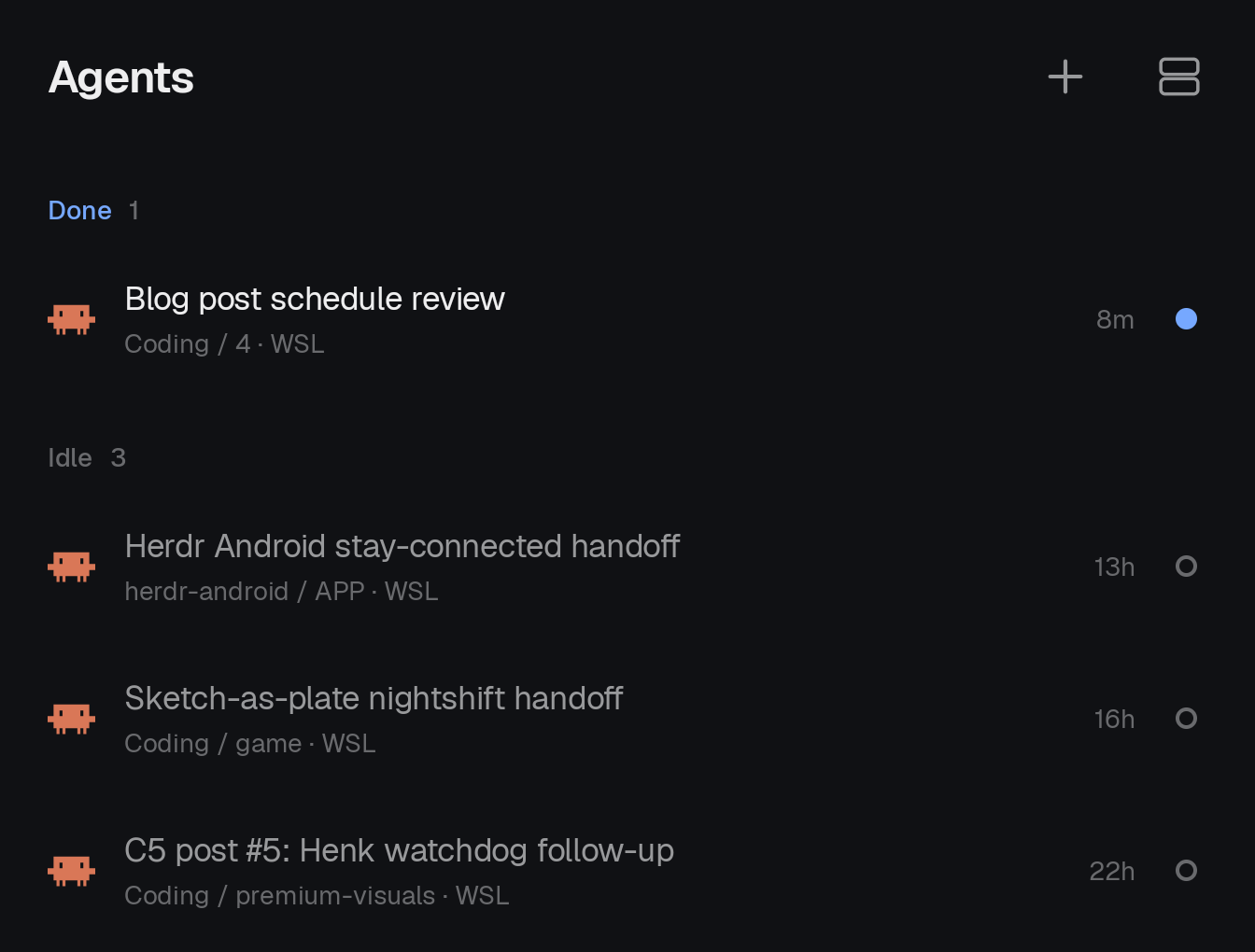
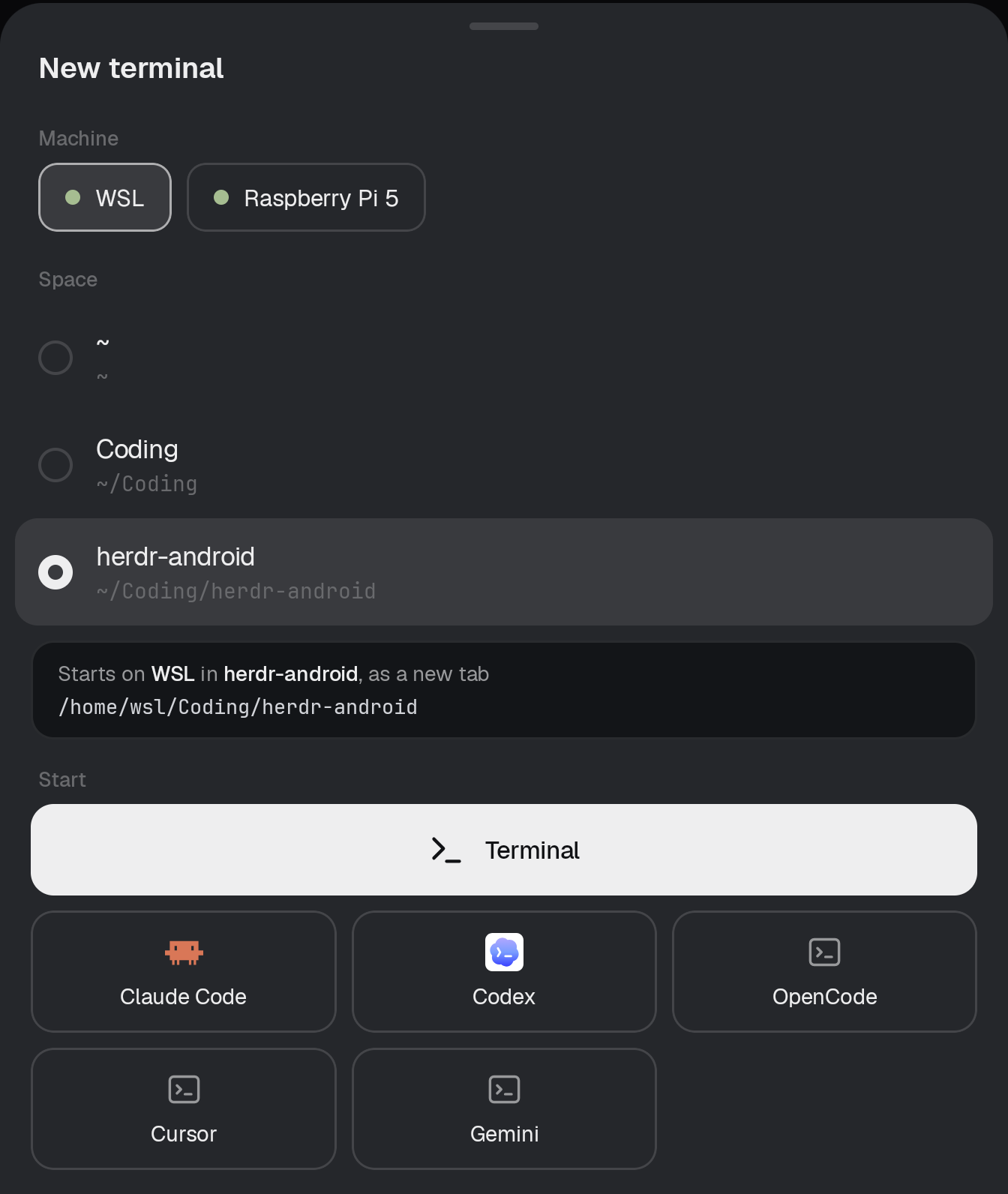
The agent list. Every agent on every machine in one list, the ones that need me first, then the ones that finished and I haven’t looked at yet, then working and idle. It’s the view I open most, usually just to see who’s waiting. New terminals and agents start from here as well, so a session is already running when I pick it up somewhere else.
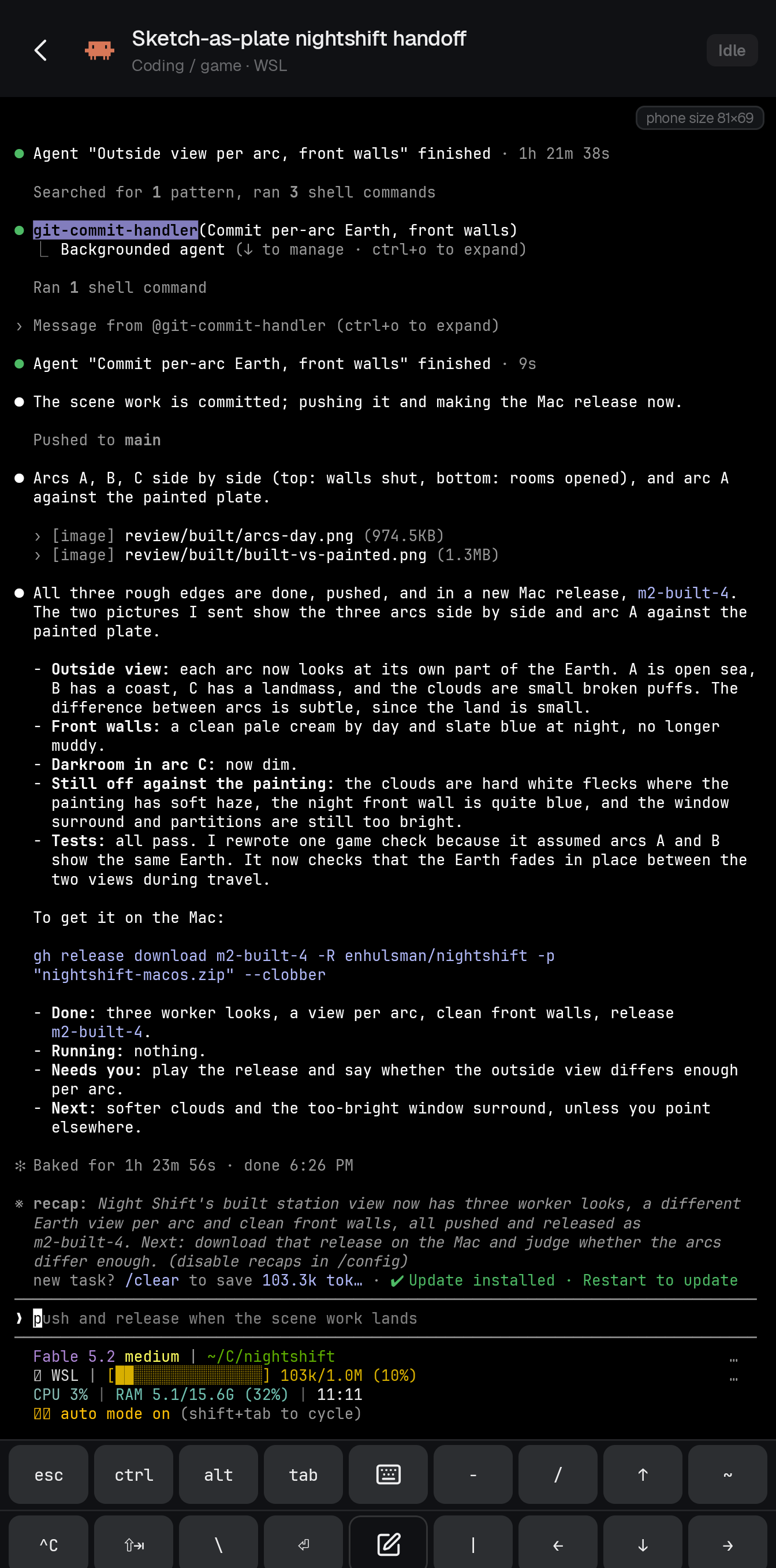
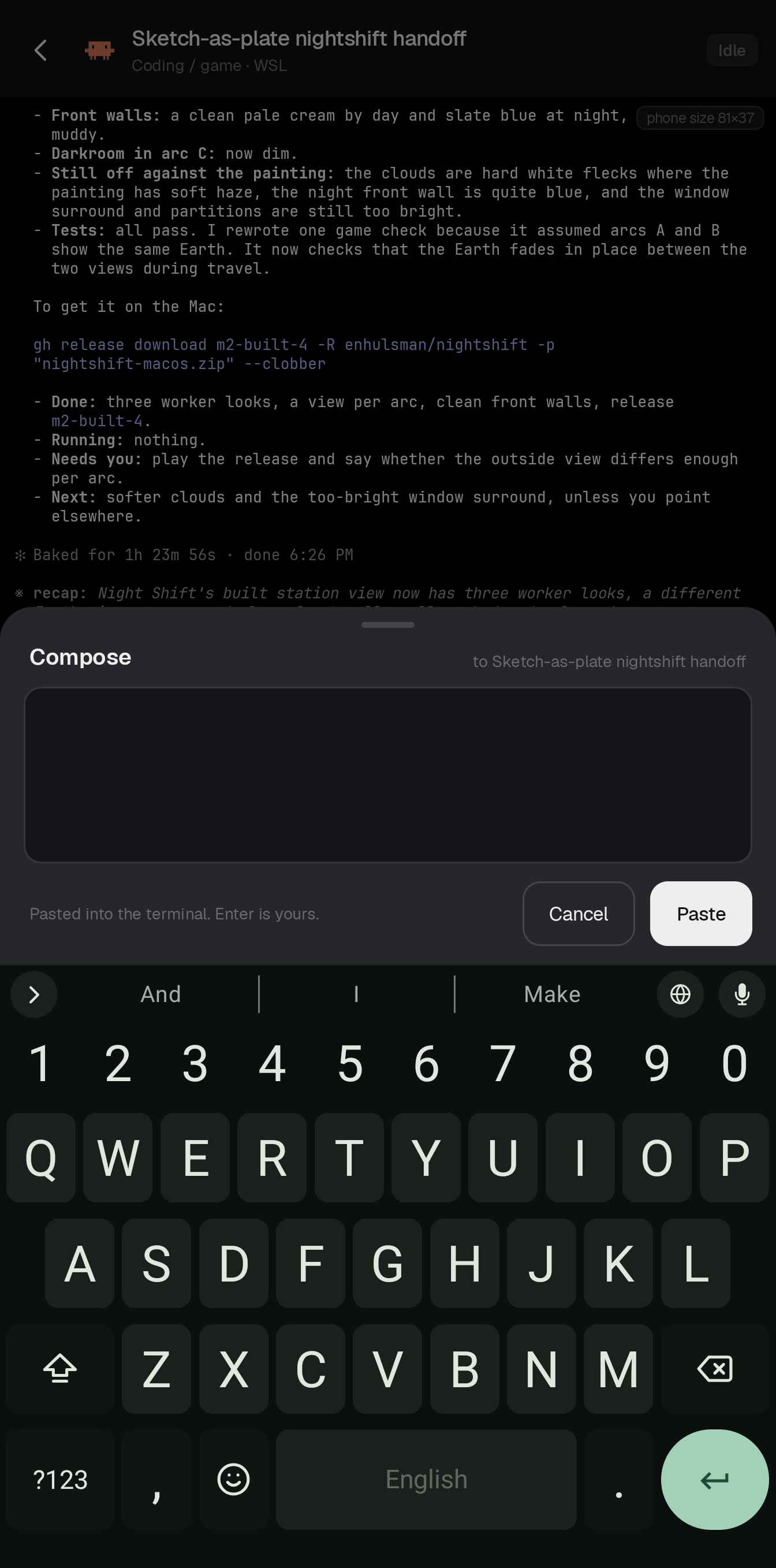
The live terminal. Tapping an agent opens its terminal as the desk draws it, with colours, zoom and scrollback, and switches it to the phone’s size. When I type at the desk again, the desk gets its size back and the phone keeps watching. Typing goes through the phone keyboard plus two rows of terminal keys, and a compose sheet takes longer prompts with autocorrect and dictation.
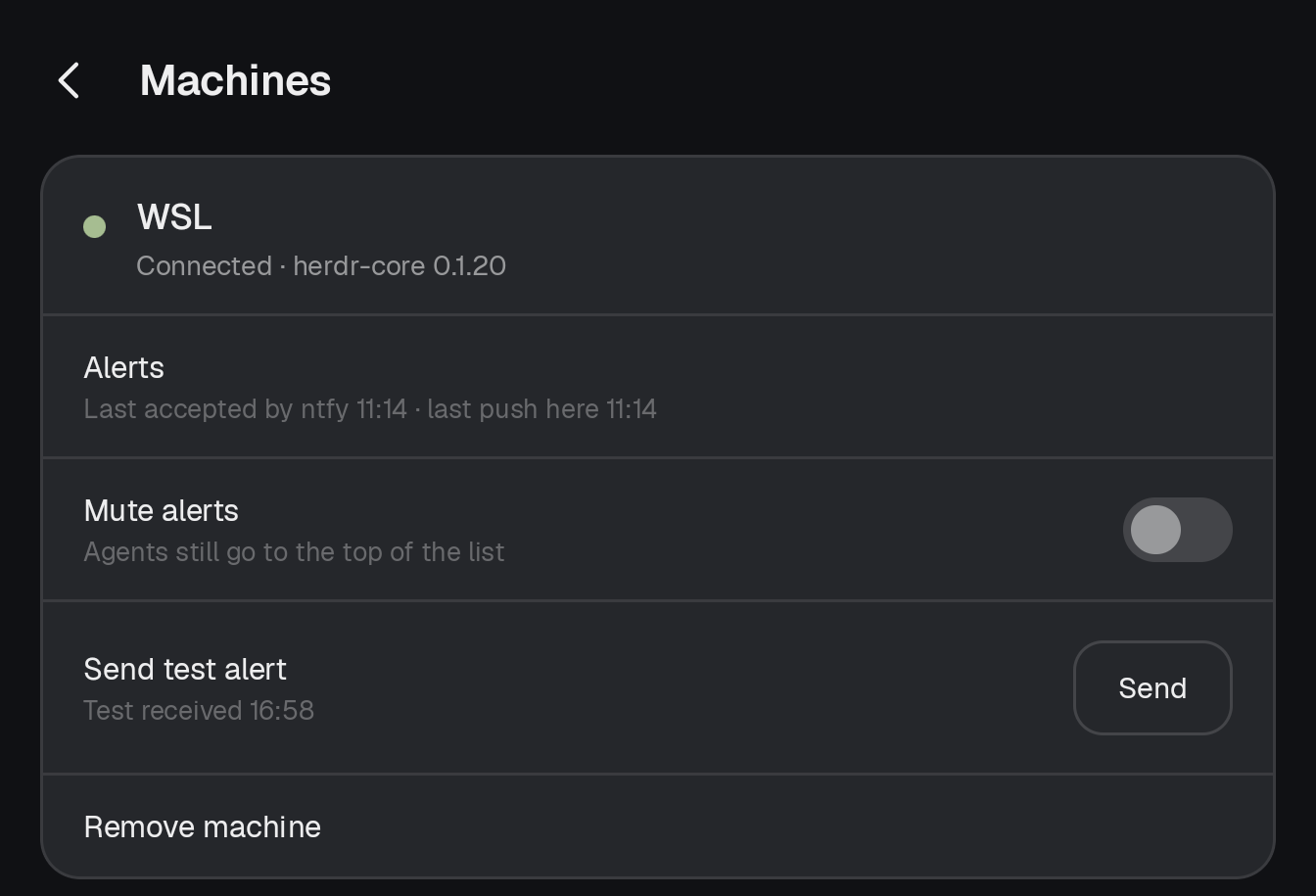
Alerts with the app closed. A small companion on each machine, herdr-push, sends an encrypted alert when an agent needs me or has finished. “Needs you” makes a sound, “Finished” is silent by default, and both go through my own ntfy server.
One Rust core under a Compose app. The app itself is Kotlin and Jetpack Compose. SSH, the herdr-core protocol and the terminal engine (libghostty-vt) live in a Rust core that the app calls through UniFFI.
Key Decisions
Terminal first. Three reviewers of the spec advised starting with a text view and a message box, and doing the live terminal last. I started with the terminal. herdr is a terminal-first tool, and what I wanted was the desktop app’s equal on a phone, so it works the same everywhere.
The riskiest parts first. The same review pointed out that the three things most likely to sink the project were scheduled last: whether the terminal engine keeps up on a phone, whether the SSH key can stay in secure hardware, and whether encrypted alerts arrive with the app closed. Those moved to the front, and all three passed on 1 November, the day after I wrote the spec.
The key never leaves the phone. The SSH key is made in the phone’s secure hardware and works for 30 minutes after an unlock or a fingerprint. Its line in authorized_keys lets it run only herdr-core, no shell session and no forwarding. herdr-core can still run commands as that user though, so I treat the key like a shell login. Each machine’s host key is confirmed once, and a changed key stops the connection.
Alerts in my own hands. No Google service sits between a machine and the phone. What reaches me, when, and whether it makes a sound is mine to change, without waiting for someone else to build it.
Outcome
Measured on my own phone with the optimised build: 1,204 frames, 95% of them drawn within 14 milliseconds, and tapping an agent shows its last screen in 66 ms where the spec allowed 200.
It went from first commit to v0.3.0 in six working days, and I’ve opened it every day since. It’s early, it’s unofficial (the herdr people don’t know it exists), and as far as I know I’m the only one using it. It installs through Obtainium on Android 12 or newer and needs herdr-core 0.1.15 or newer on a Linux or WSL machine.
Next is a reader view beside the terminal, an agent’s output as formatted text, which is close to what the reviewers asked for on day one. The whole story is in the blog post.